
Workspace comes on the second level of hierarchy after Team. It's a place where you can create collections related to a single entity.
How to create a Workspace?
-
Select the team you want to create a workspace for. You must have owner or moderator permissions to create a workspace.
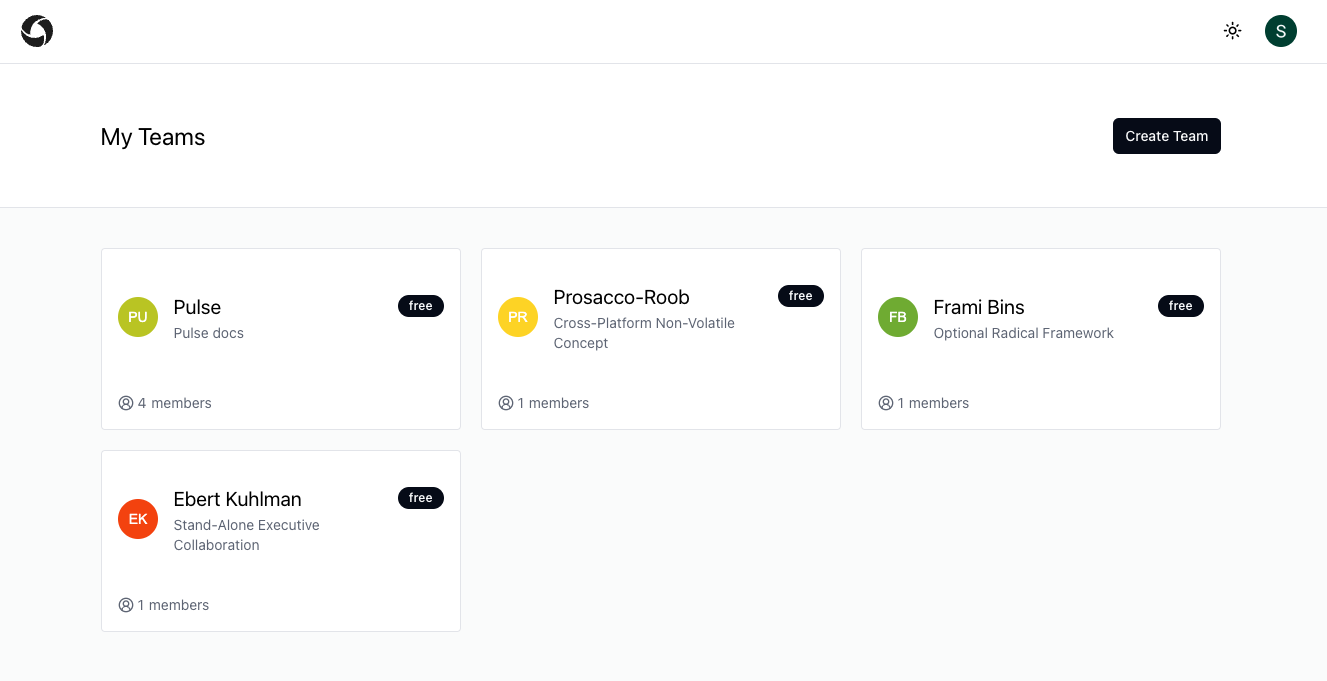
List of teams -
Click on the Create Workspace button
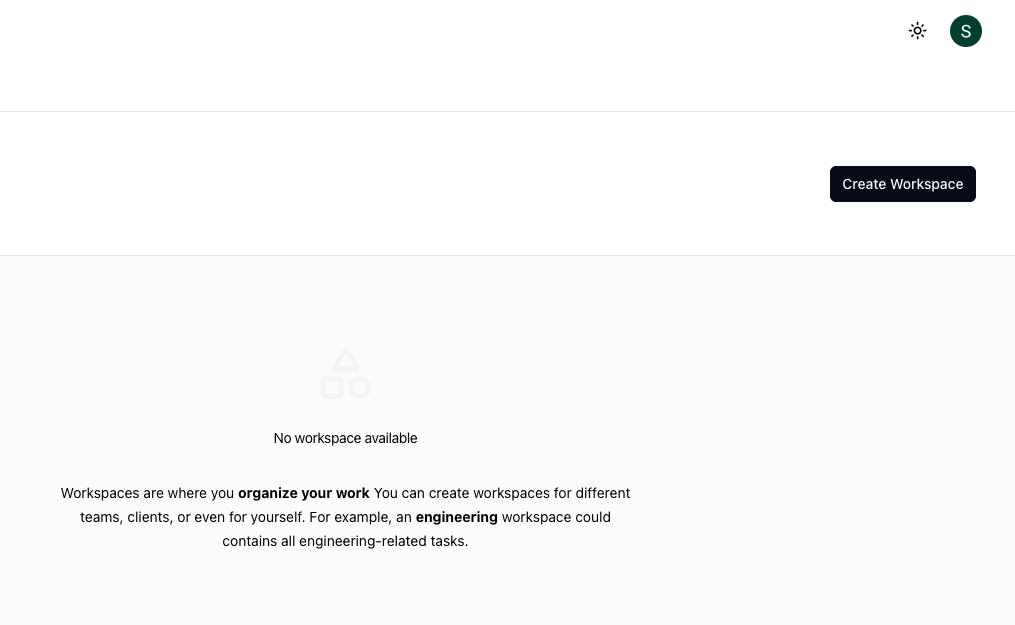
create workspace button -
Enter the Workspace Name
-
Enter the Workspace Description
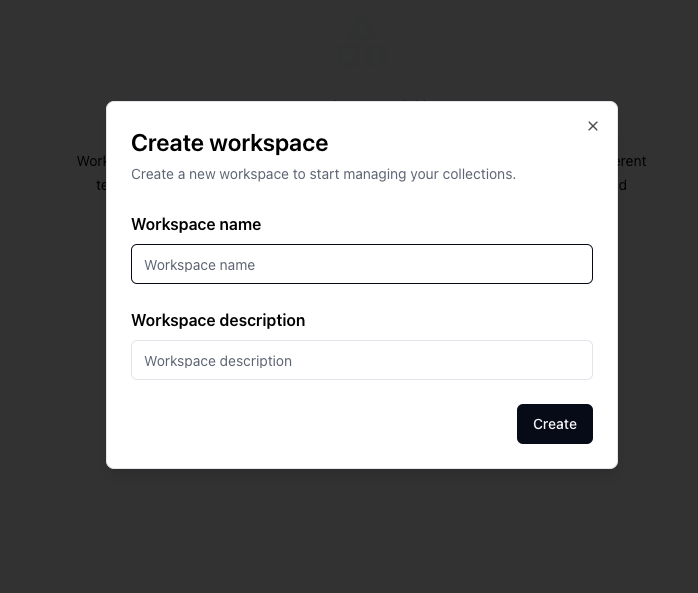
create workspace model