
One place for team knowledge and projects
Write docs, organize collections, and move work across boards without jumping between tools.
Free to start · No credit card required
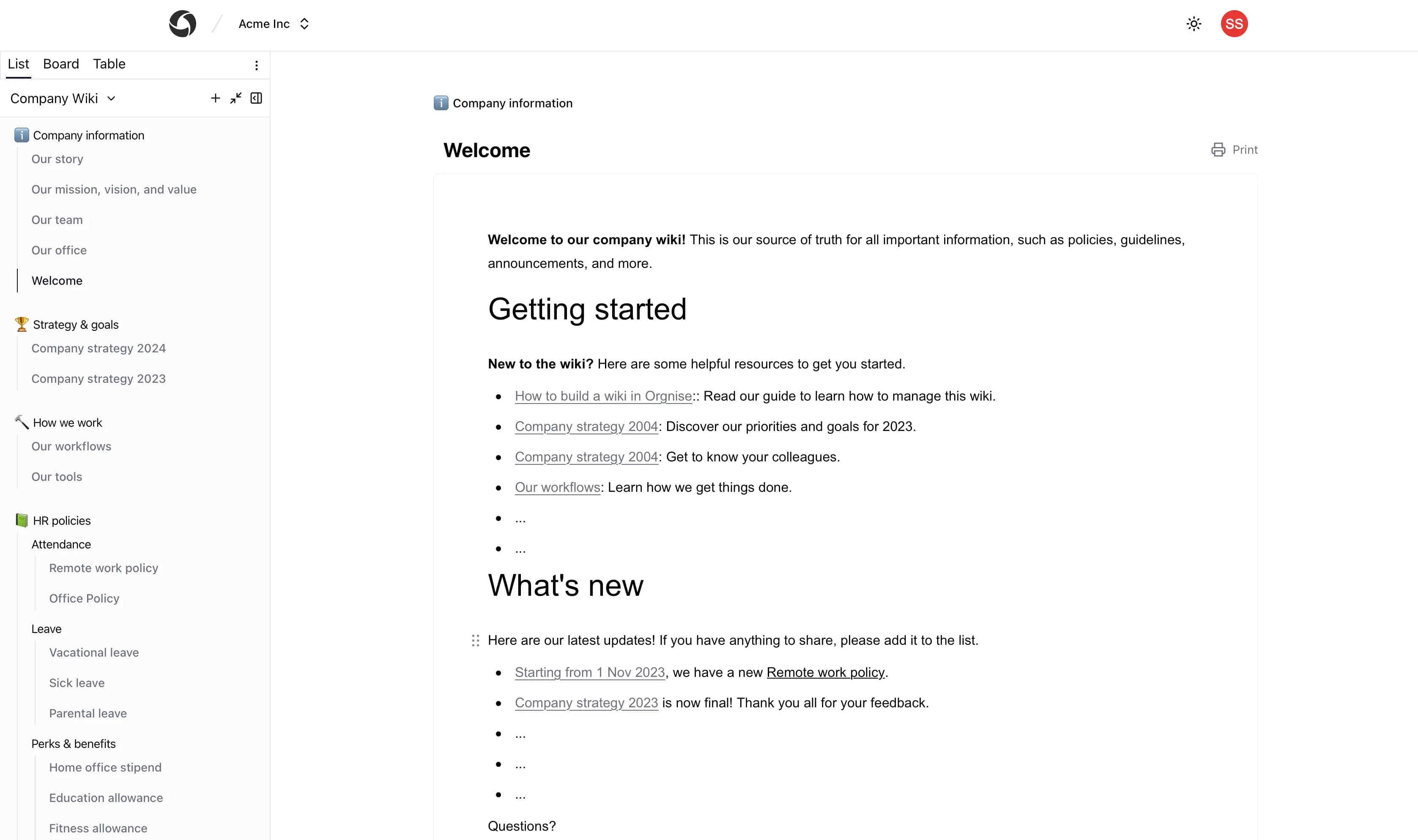
See the latest updates or browse the help center.
How teams use Orgnise
Four steps from an empty team to a living workspace.
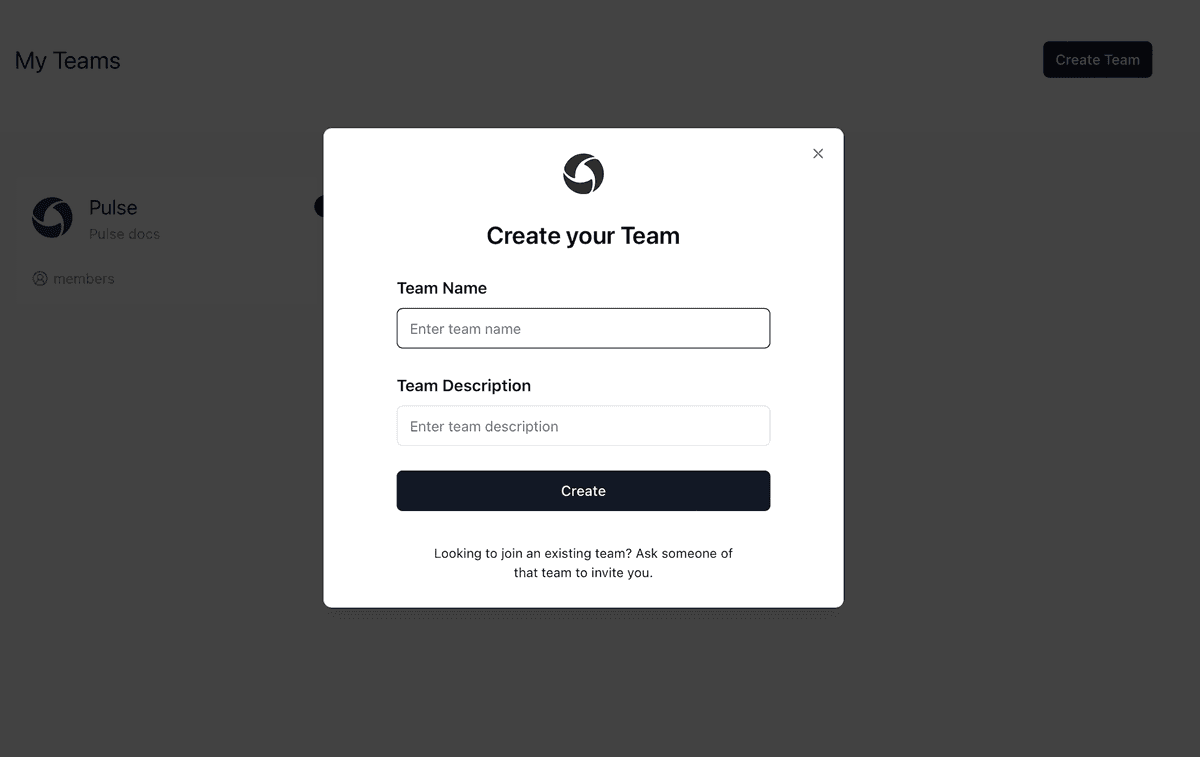
Start a team
Invite people into one shared space so work is not scattered across chats and drives.
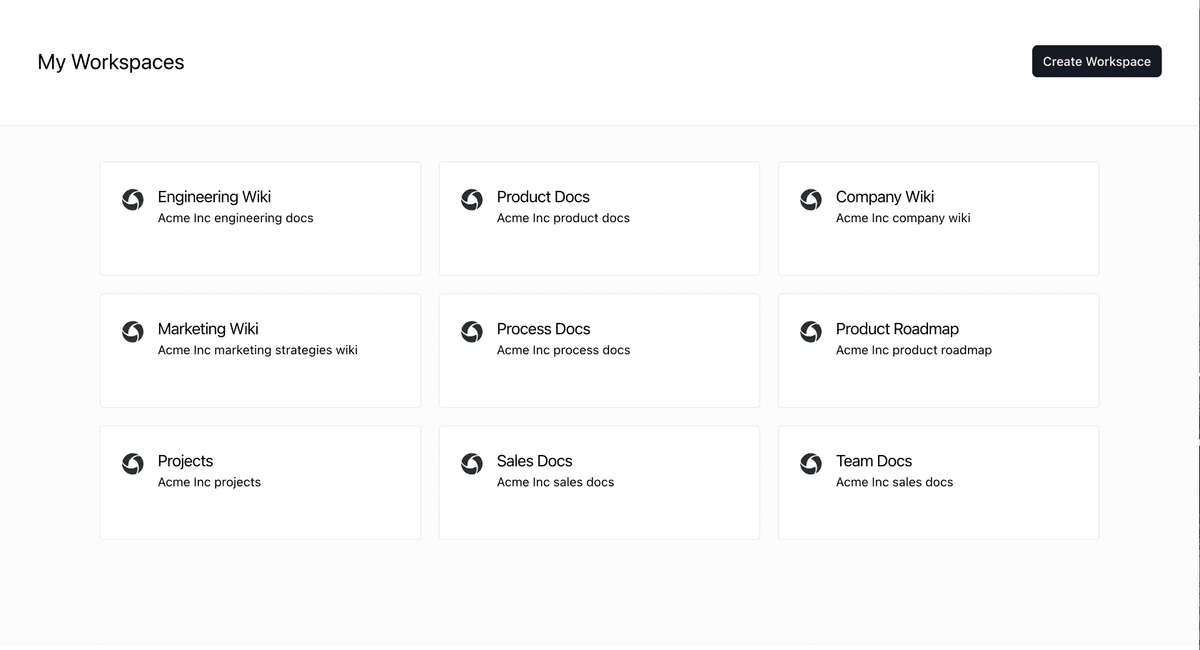
Open a workspace
Group work by project or function: design, marketing, engineering, or a new launch.
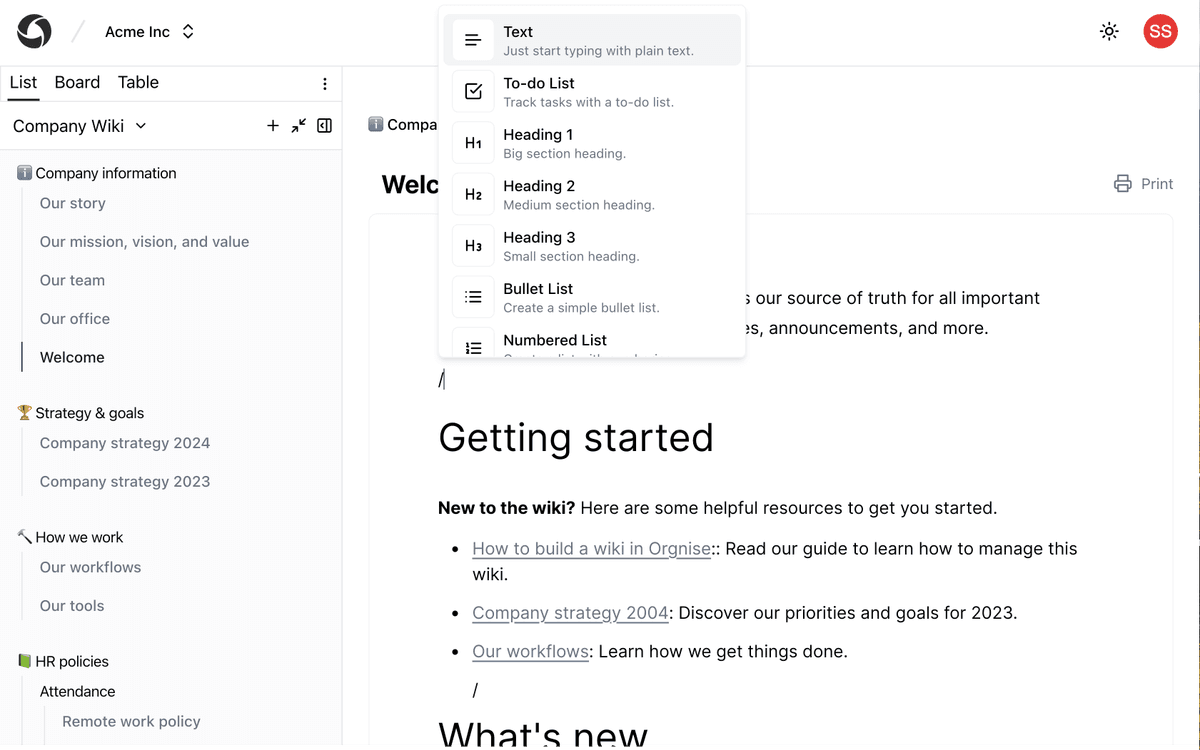
Write in the editor
Draft docs that look the way you write them, with headings, lists, and embeds in one page.
Move work on a board
Turn a collection into columns and watch the same pages move through your workflow.
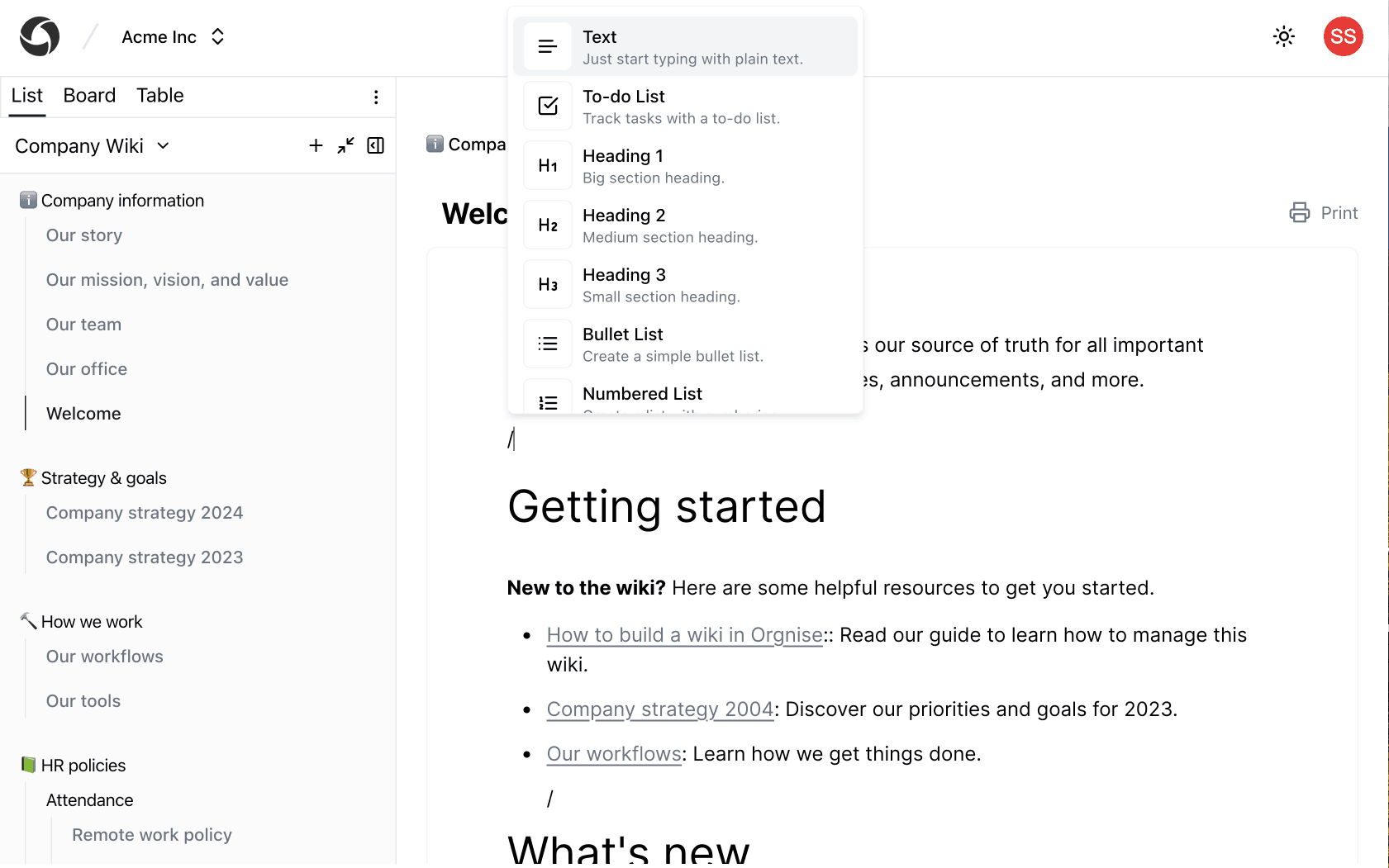
The editor
A Notion-style editor that stays with the work
Write with slash commands, headings, and embeds. The same page can live in a collection and move across a board. Docs and delivery stay in one place.
- Slash commands for headings, lists, and embeds
- Pages that belong to a collection, not a separate wiki
- Board view when you need to see status, not just text
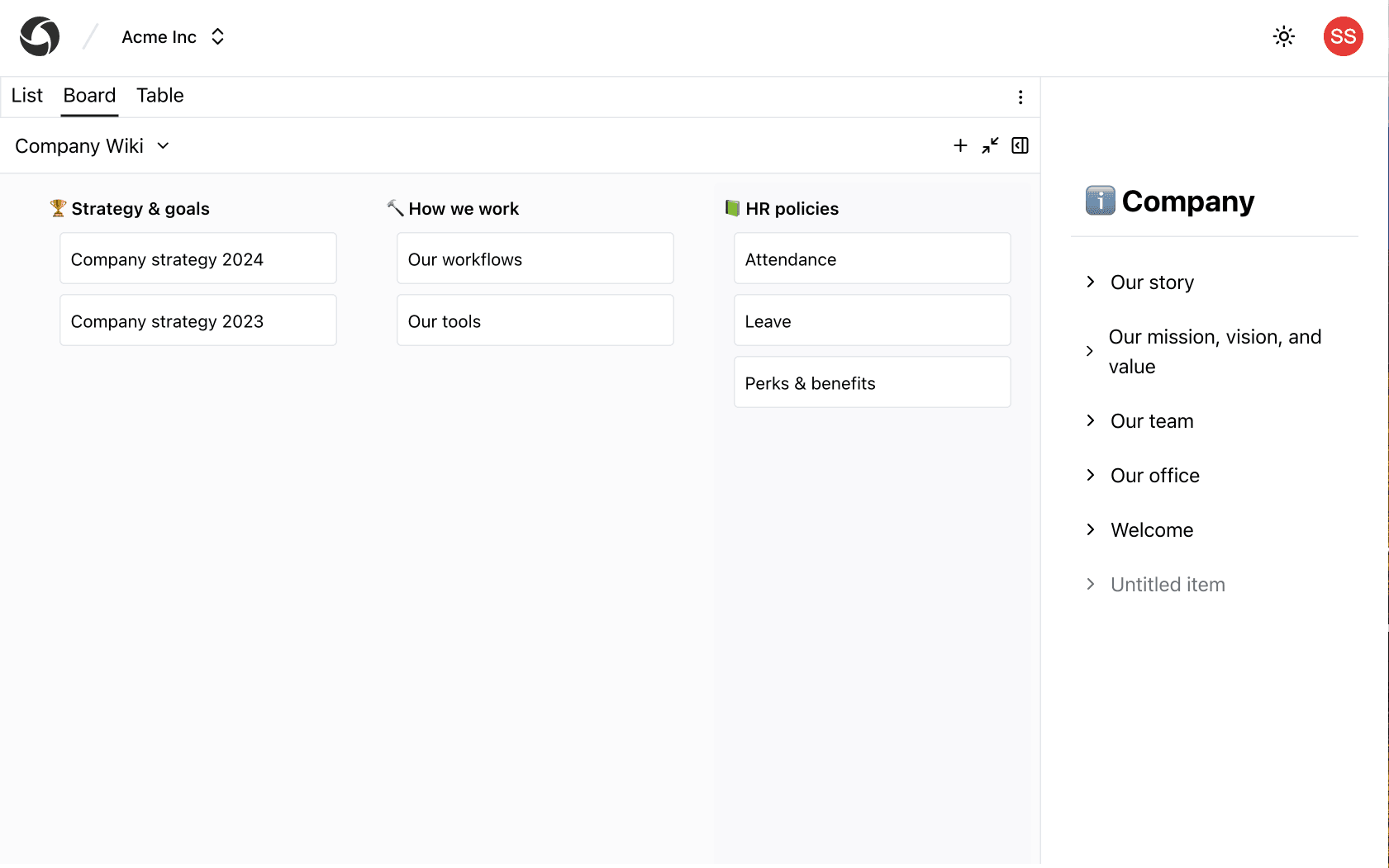
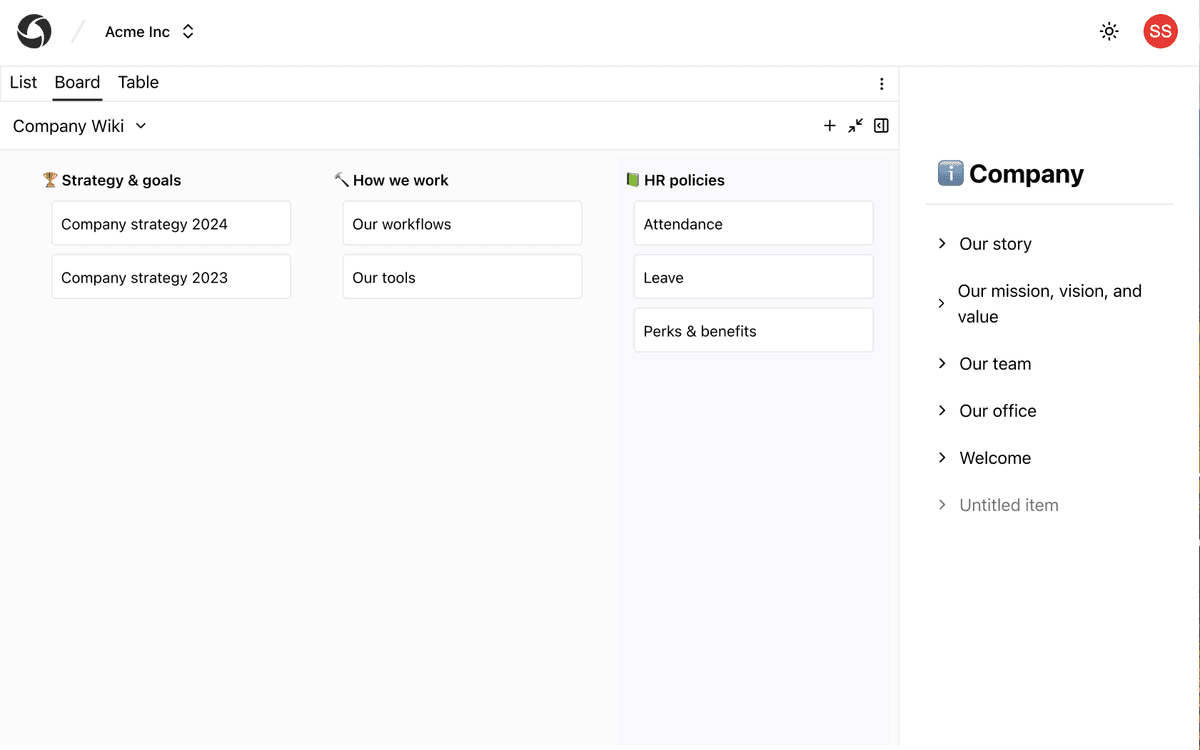
The same pages, on a board
Turn a collection into columns. Move a page from idea to done without copying it into another tool.
Built for how teams actually work
Pick a workflow and see how Orgnise fits, then explore the rest.
Customer Support
Centralized knowledge base to store and share customer support articles, FAQs, and troubleshooting guides
Learn moreProject Management
Plan, track, and manage projects more effectively with a centralized knowledge base.
Learn moreCompany Wide Collaboration
Align teammates on a single tool so everyone knows where to go for all the information.
Learn moreStart organizing with your team
Create a free workspace and bring docs, collections, and boards into one place.